
AI agents
Setting up AI agents
The two kinds of AI in ClientTurn, the conversation assistant and background agents, and where to set each one up
1 min readUpdated 27 September 2026
There are two different things called agents in ClientTurn, and it is worth keeping them apart.
The conversation assistant
The conversation assistant answers a lead's messages. Set it up in Settings → Workspace, on the AI assistant card: whether it may run, whether it drafts replies for you to approve or answers on its own, which channels it may use, its tone, and when it hands over.
Full guide: The conversation assistant.
Background agents
Agents are background workers you configure and leave running: sourcing prospects, chasing stalled bookings, re-engaging old leads.
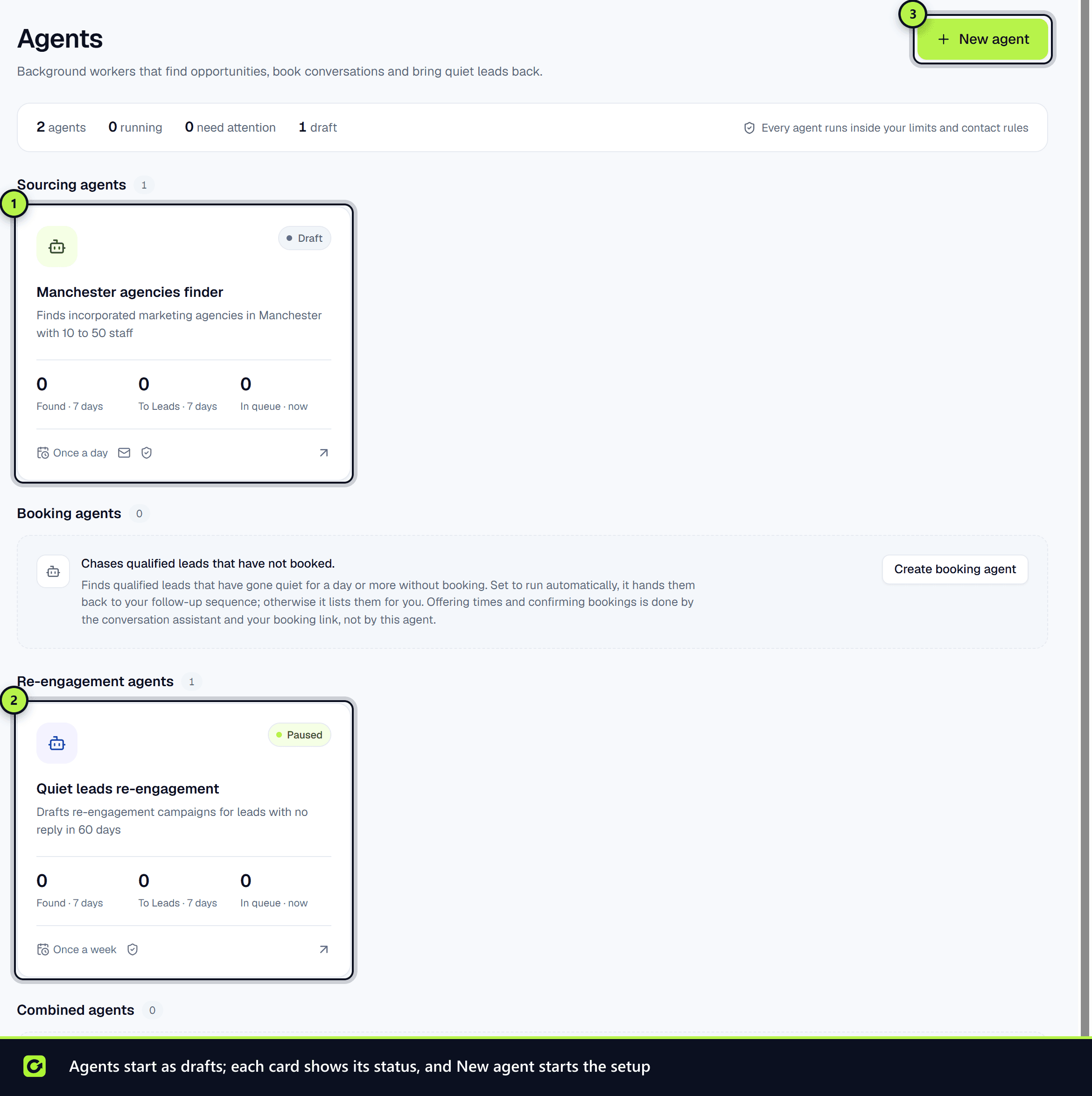
- Step 1: Create one in Agents. It is always saved as a draft and never starts by being created, so you can get the setup wrong at no cost.
- Step 2: Set its sources, schedule, daily and monthly limits, and how much it may do without review.
- Step 3: A sourcing agent also needs an approved Find Leads search plan, because it spends real money on provider lookups every time it runs.
- Step 4: Choose Start agent when you are ready.
Full guides: What are AI agents?, Setting up an agent and Agents run 24/7.
What an AI assistant can and cannot start
All of this can also be done by an AI assistant over MCP, with one deliberate exception: starting an agent, or running one immediately, always waits for a person to approve. Creating and configuring an agent is safe because a draft does nothing; setting it loose to spend money on a schedule with nobody watching is not a decision an assistant should make.
Pausing and stopping are never held for approval: the safe direction is always available at once.
Screenshots
Still stuck?
Customers can raise a ticket from the help button inside the app. Not a customer yet? Talk to us.