
Finding leads
Sending leads in from your own software (API)
Record enquiries from your website, app or back office with POST /api/v1/leads, with deduplication and a clear outcome for every request
2 min readUpdated 27 September 2026
If your website, app or back-office system captures enquiries, it can send them straight to ClientTurn with the public API. Each request goes through the same intake path as an ad-platform lead: suppression check, deduplication against existing leads, and a record of where it came from.
This article is the overview. The full request and response reference is in Creating leads with the API.
What you need
- Step 1: An API key with the
leads:writepermission, created by an owner or admin in Settings → Developer. See API overview and authentication. - Step 2: The key must belong to someone with a member role or above. A key acts with its owner's current access.
What to send
- At least an email address or a phone number.
- A
relationshipsaying how the person came to you, for exampleTHEY_CONTACTED_USfor a website enquiry. Only warm relationships are accepted; a contact you merely found belongs in Find Leads as a prospect. - An
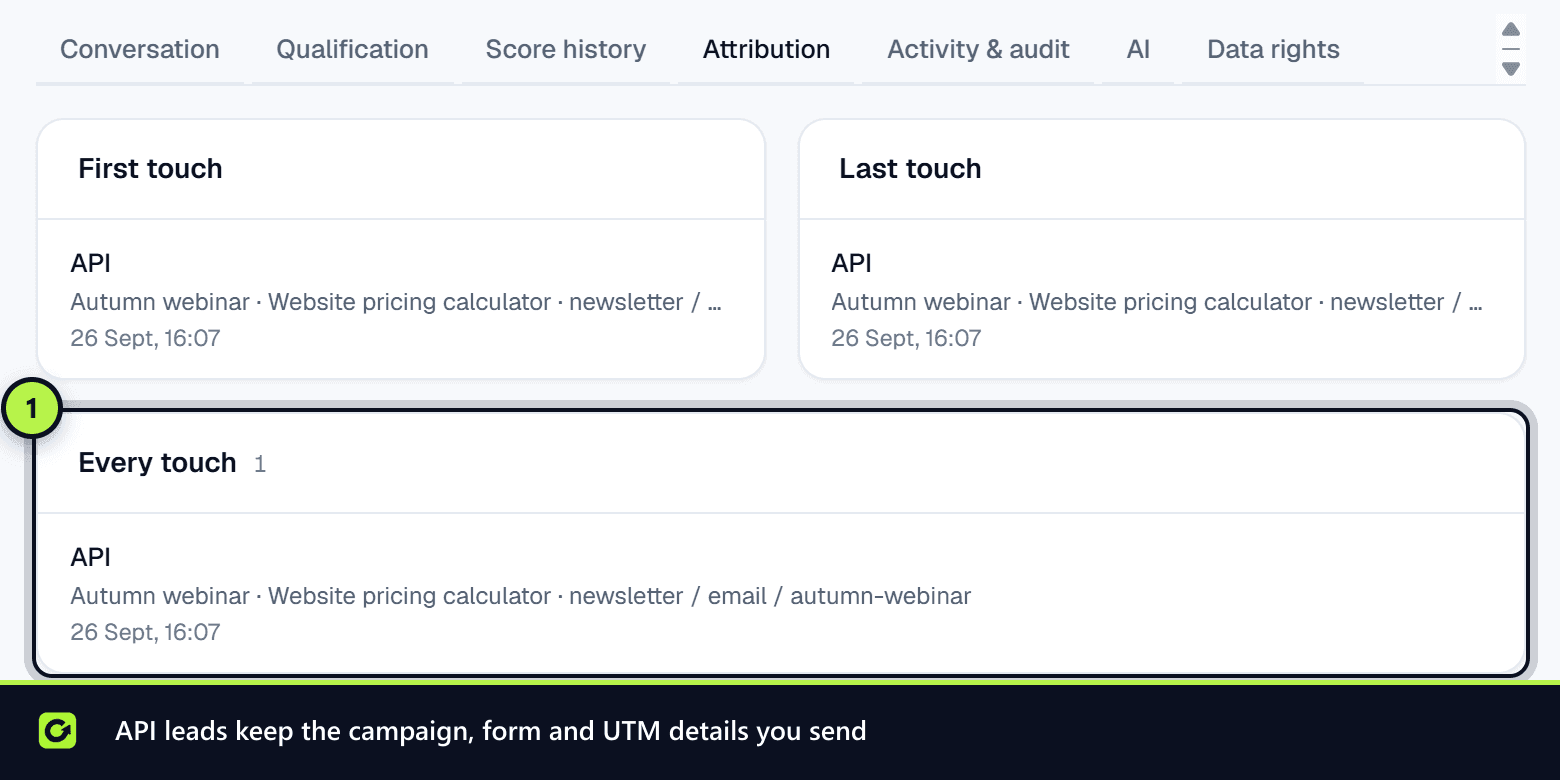
Idempotency-Keyheader that is unique per enquiry, so a retried request never creates a second lead. - Optionally, where it came from (form name, UTM parameters, Google click ID), the answers to your form's questions, and the consent the person gave.
What happens next
The response tells you exactly what happened: a new lead was created, an existing lead was merged (the same person enquired again), the request was a duplicate of one already received, the details were invalid, it needs a person to review a conflicting match, or it was rejected because the person is on your suppression list (409, and nothing is stored). If your plan's new-lead limit for the billing period is used up, or the subscription is not active, the request is refused with 403 and nothing is stored. An enquiry sent with source type WEB_FORM, CRM or CONNECTOR is still stored and held without follow-up instead, so no enquiry is lost. A REFERRAL must carry evidence of who referred them and when, at least 20 characters, or the request is refused with 400. See Creating leads with the API.
Related
Screenshots
Still stuck?
Customers can raise a ticket from the help button inside the app. Not a customer yet? Talk to us.